
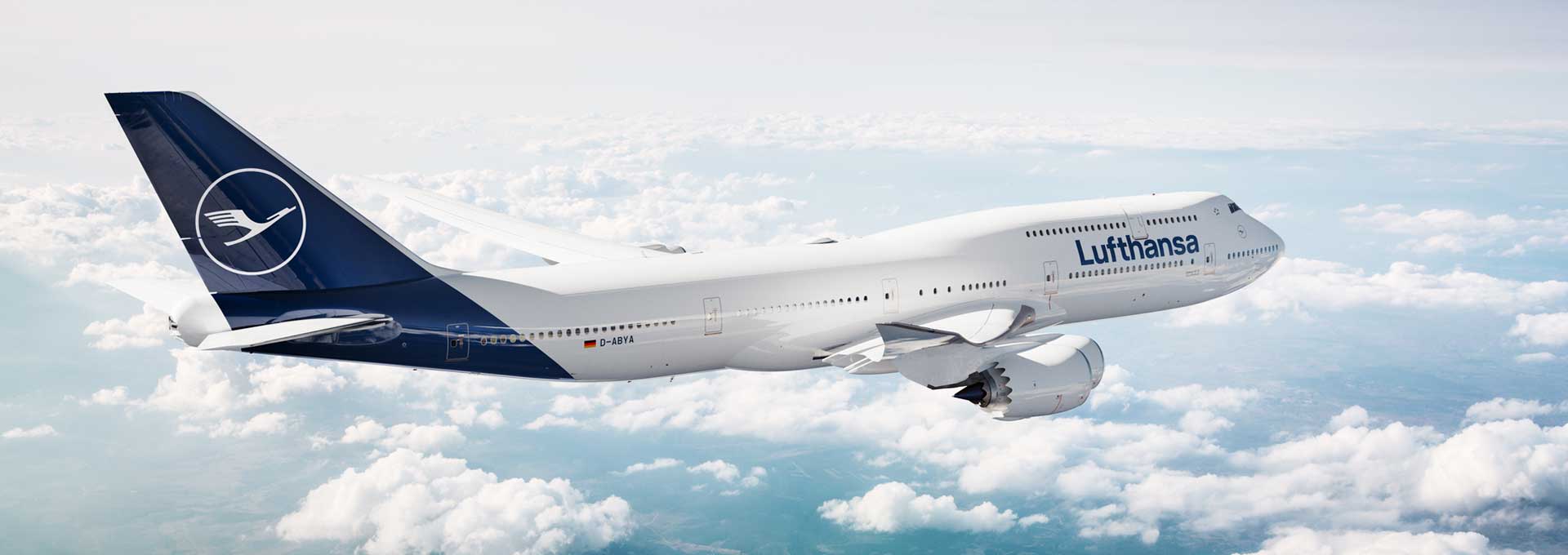

Case Study
Future Onboard Experience
Insight into the
successful
collaboration

"No small feat: More than 16,000 Lufthansa cabin crew members had to be prepared via a web-based training (WBT) program for one of the biggest service changes in Lufthansa’s history—all within a tight timeframe, with a large volume of learning content, some of which was still being developed, and visual material that became available only gradually. This required a high degree of flexibility and agile working. FKC mastered this challenge in an extremely flexible and collaborative manner."
ABSTRACT
As part of Lufthansa’s “Future Onboard Experience” campaign, a web-based training program was developed to prepare cabin crew for new products, processes, and service procedures on long-haul flights. The training provides a concise overview of all the new features, supports the rollout of the new service concept, and—during the launch phase—was used not only as part of the standard work instructions and manuals but also as a reference guide through repeated review. Despite dynamic project requirements and tight deadlines, a flexible and learner-centered solution was implemented for all aircraft types and travel classes.
1. Initial Situation
Preparing for the New Service Standard
As part of Lufthansa’s “Future Onboard Experience” campaign, a completely new service concept was introduced for all intercontinental long-haul flights.
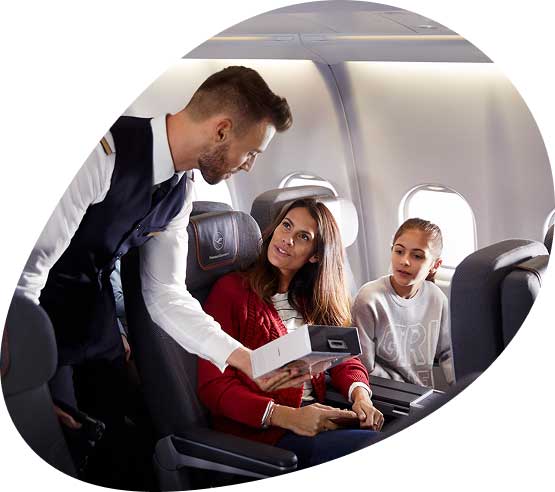
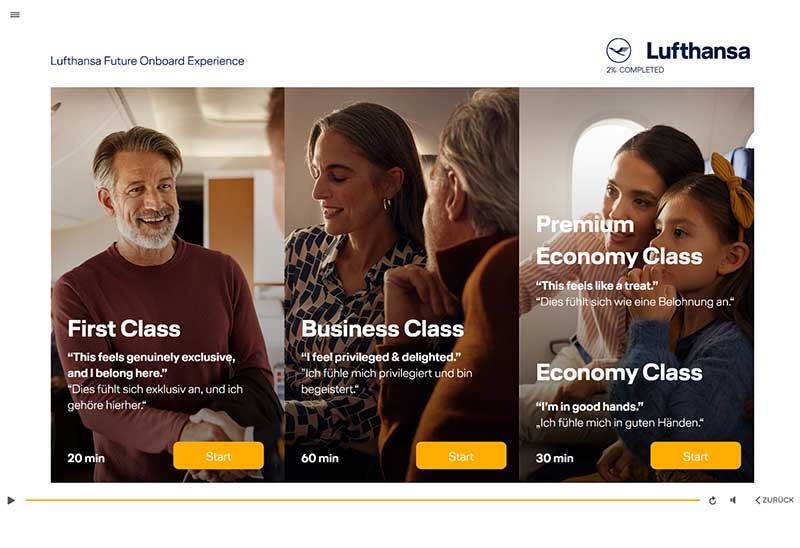
The introduction of new products and service processes required comprehensive training for cabin crew on all aircraft types and in all travel classes—First, Business, Premium Economy, and Economy.
The web-based training (WBT) was used as one of several training measures and complemented on-site training, briefing materials, and the showcase of the new product lineup.
The goal of the WBT was to clearly present the entire service process across all classes, summarize all new product and process changes, and refresh participants’ memories of existing service procedures.
In addition, it was intended to boost the learners’ motivation and anticipation for the launch of the new service concept while also serving as a reference guide for service processes.
2.implementation
Challenges and Potential Solutions
One of the particular challenges of the project was the concurrent development of the web-based training and the final pilot tests of the new products and service processes. As a result, not all changes had been finalized during the design phase, and some of the visual material was not yet available in its final form.
Working closely with subject matter experts, the conceptual approach was adapted during the production phase. The originally planned “light storytelling” was replaced by a more direct learning approach that places greater emphasis on the cabin crew’s perspective and specifically focuses on the learners’ needs.
The tight scheduling overlap with other training activities as part of the overall rollout created additional time pressure. To ensure the necessary flexibility, the project was implemented in agile sprint phases. Close coordination between the agency, project management, and subject matter experts on the client side enabled quick decisions and adjustments. The use of AI-powered voice-over also supported efficient and flexible production while maintaining high quality.
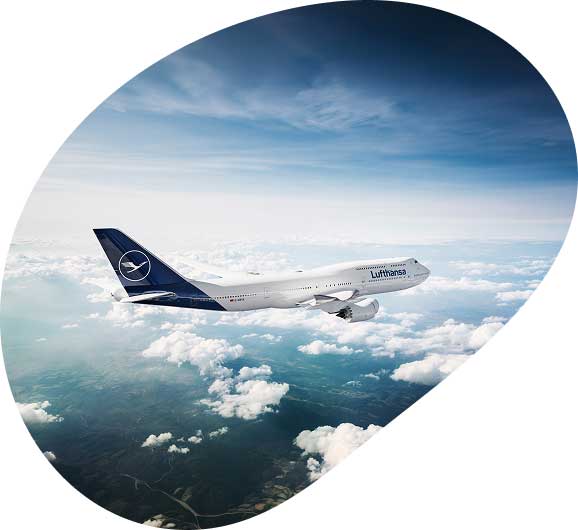
Another challenge was that training content had to be provided not only for different travel classes but also for different aircraft models. This was addressed by including optional buttons that allow learners to access information about the specific features of individual aircraft models in a targeted and needs-based manner.
3. Special Features
Foster Motivation, Retain Knowledge
A key requirement of the project was that the web-based training (WBT) had to serve two distinct purposes. Even before the new products and service processes were introduced, it was used to prepare the cabin crew for the upcoming changes, spark their interest, and boost their motivation for the upcoming rollout. During the rollout itself, the WBT also served as a reference guide and a concise overview of the new service procedures.
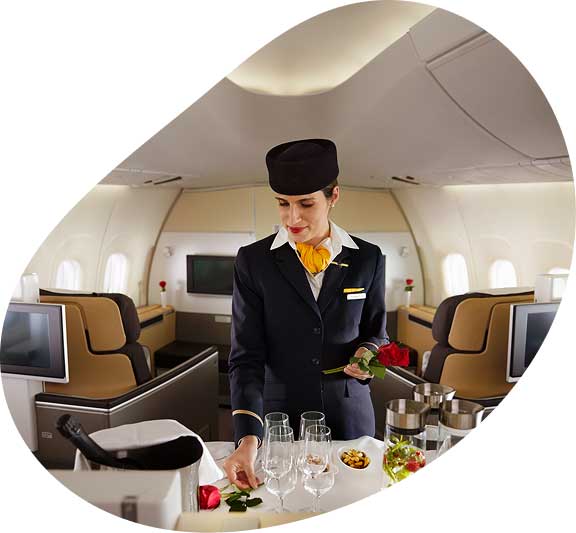
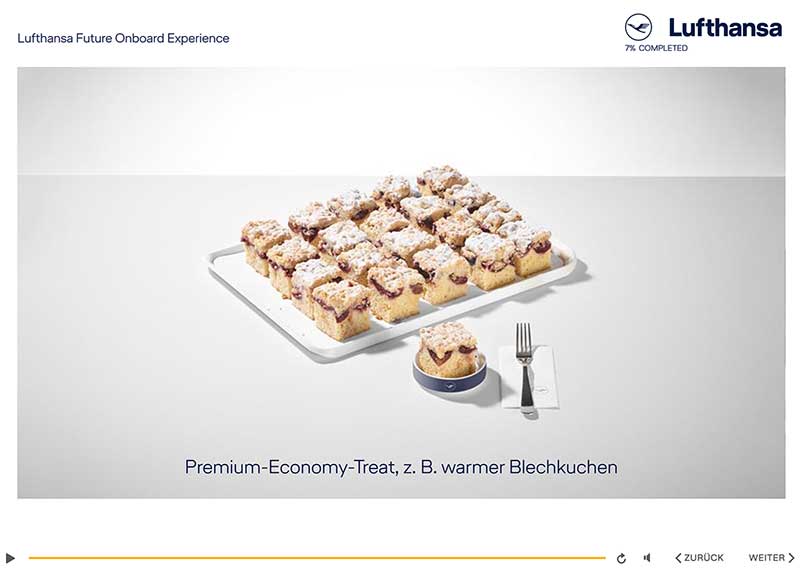
The images used vividly showcase the new products and help generate curiosity and anticipation for the upcoming service experience. In addition, the WBT was designed—both graphically and technically—to ensure a comfortable user experience even on mobile devices.

4. USE
Comprehensive WBT for a large and diverse set of users
Well over 16,000 cabin crew members at Lufthansa (pursers = operational managers and flight attendants) were required to complete the WBT by a set deadline, including so-called regional flight attendants (e.g., Chinese flight attendants), who were provided with the English version of the WBT.
Within the first few weeks of the program—which lasted several weeks—a large portion of the cabin crew had already completed the WBT. Due to the scope of the content and the resulting time required to complete it, some employees worked through the WBT in stages. Even after the deadline had passed, crew members reopened the WBT to delve deeper into specific topics.
5. ACCEPTANCE
High Acceptance of WBT
In addition to the technically flawless and user-friendly delivery of the WBT for use on PCs and Macs—and especially on the so-called Crew Mobile Device (iPad), the cabin crew’s most important tool for flight preparation and execution—the cabin crew was particularly impressed by the well-structured, clear, and practical presentation of the content.
The response to this WBT—a key component of Lufthansa’s crew training—has been and continues to be very positive, especially given the length and scope of the information covered. The program has successfully conveyed even detailed operational content (such as procedures for 13 different aircraft types) in a clear and accessible manner.

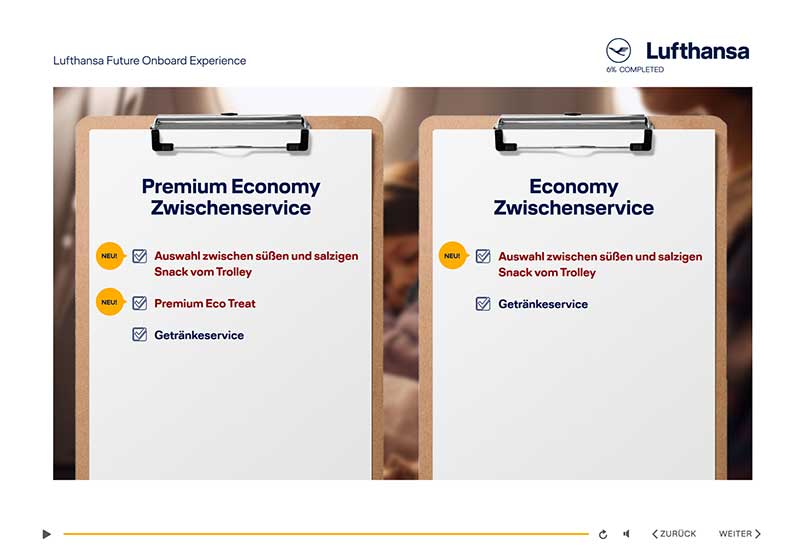
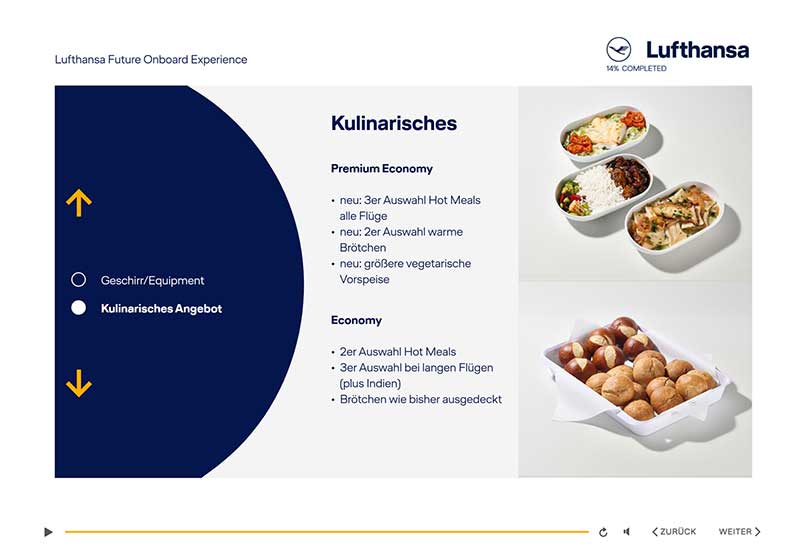
Examples from the
course
info@fkc-online.com
+49 89 95 84 34 - 0
Lilienthalallee 7, 80807 Munich
Germany
frankfurt@fkc-online.com
+49 6172 68 09 6 - 0
Louisenstraße 68, 61348 Bad Homburg Germany
berlin@fkc-online.com
+49 30 26 55 73 16
Heylstraße 33, 10825 Berlin
Germany
basel@fkc-online.com
+41 61 273 44 - 66
Burgfelderstrasse 209, 4055 Basel
Switzerland
E@sy - Training s.r.o. -
@ Fischer, Knoblauch & Co.
MIynské nivy
48 821 09 Bratislava
Slovak Republic
sarajevo@fkc-online.com
Bulevar Meše
Selimovića 81A
71 000 Sarajevo
Bosnia and Herzegovina
info@fkc-online.at
Neu Ötting 24, 9781 Oberdrauburg
Austria
fkc@meraki-strategy.com
Meraki Strategy DMCC ONE JLT, Level 5
PO Box 123422

